
Automatic Pet Feeder Schedule Not Working? Check These Settings
SEO Team ·
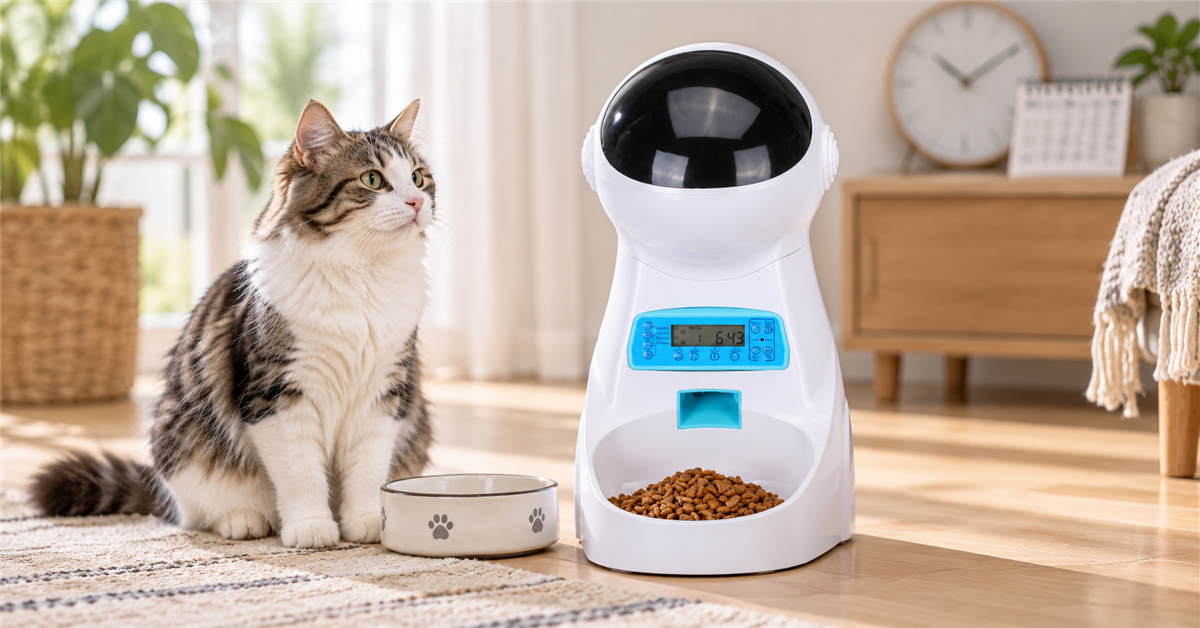
Check the clock before changing meal times
When a scheduled meal arrives too early or late, first compare the feeder's displayed clock with the current local time. A clock set to the wrong hour can make every meal seem incorrectly programmed. Follow the model's manual for setting the time and for any 12-hour or 24-hour format options.
If the unit lost power or batteries were replaced, check whether the clock or saved program reset. Avoid repeatedly changing meal times until you know what the display currently shows. Write down the intended schedule and compare each programmed meal one at a time.
Review the complete meal program
Open the settings and confirm that each intended feeding time is enabled and saved. Some devices require a separate confirmation step after editing; check the instruction booklet rather than assuming a button press stored the change. Look for duplicate entries or an accidental AM/PM selection.
The ISEEBIZ 3.5L feeder with voice recording has model-specific controls, so use the current product page and included instructions for its exact setup sequence. Other feeder models may use different menus, buttons, or program limits.
Verify portion settings and the food path
If a meal dispenses but the amount seems different, distinguish a schedule problem from a portion setting. Check how the manual defines one portion and whether the selected food type is compatible with the device. Kibble shape and size can affect how it moves through a dispenser, so do not assume every food will release identically.
With the feeder safely powered down as directed, inspect the food outlet for a visible obstruction. Do not put fingers or tools into moving parts while the feeder is operating. Refill and clean only as the manufacturer describes, then run a supervised test cycle if the manual provides one.
Check power and batteries
A blank display, restarted clock, or missed feeding can point to a power interruption. Confirm the adapter is seated correctly and that the outlet works. If the model uses batteries as backup or primary power, install the type and orientation stated in the instructions and replace them as a set when recommended.
Keep cords away from pets and water, and stop using a damaged cable or unusual adapter. If the display repeatedly resets even with the recommended power supply, contact the seller or manufacturer rather than opening the electronics yourself.
Make schedule changes gradually
Once the clock and program are correct, change one setting at a time and observe the next scheduled cycle. A written log can show whether the issue follows a time change, a refill, or a power interruption. Test the feeder while someone is home before relying on a newly changed routine.
An automatic feeder is a convenience, not a substitute for checking that a pet has food and water. For a pet with a special feeding plan, coordinate the schedule and portions with the veterinarian or the pet's existing care instructions.
Frequently asked questions
Why does the feeder show the right time but miss one meal? Check whether that meal is enabled and saved, then inspect the power and food path according to the manual.
Can I use any kibble? Confirm the food dimensions and type allowed for the particular model. Oversized or irregular food may not move as expected.
Should I reset the whole device first? Record the current settings and follow the manual's reset procedure only when simpler checks do not resolve the problem. A reset may erase the existing schedule.